Prints your albums, then plays them
Stand up a photo. Hear the album.
Spotifactory is a little album factory. Pair it with an Instax Square Link printer and it prints the cover of whatever you're playing, then tags the photo. Stand that photo on the easel and the album starts. Lift it off and the music pauses.
Plays through Spotify Connect. Needs Spotify Premium. Why only Spotify?
How it works
Your music, as things you can pick up and flip through.
-
Print the album
While an album or playlist is playing, choose Print Album on the box. The cover comes out of your Instax Square Link printer.
-
Stick on a tag
Turn the photo over and press a small NFC sticker onto the back. A roll of them does a whole shelf of albums.
-
Write the tag
Stand the photo on the easel and the box writes the album to the sticker. From then on, standing it up plays the album and lifting it off pauses.
In action
Watch one at work.
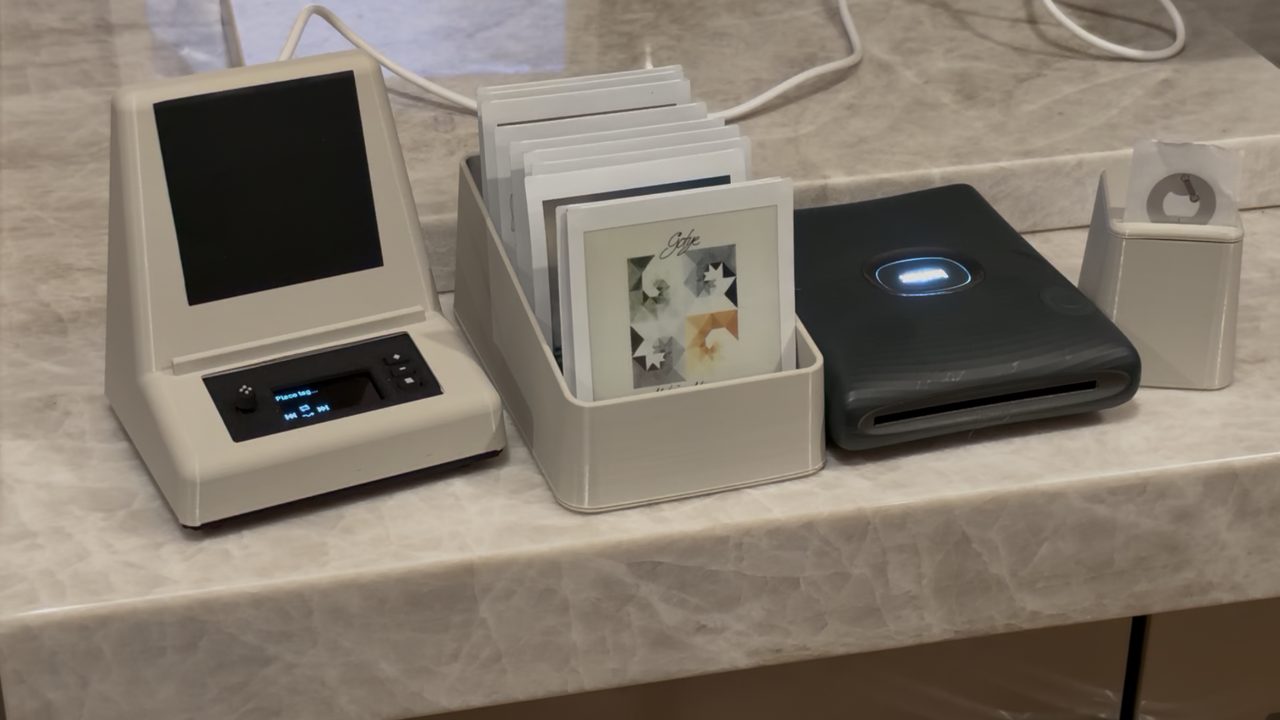
The music is muted in the video to avoid copyright issues.
The photos
A shelf of albums you can write on.
Each print is a real Instax Square photo: a 62 mm square image on a 72 × 86 mm card, with room underneath for a note. Keep them in a crate, pin them to a board, or give one to a friend with a box of their own.
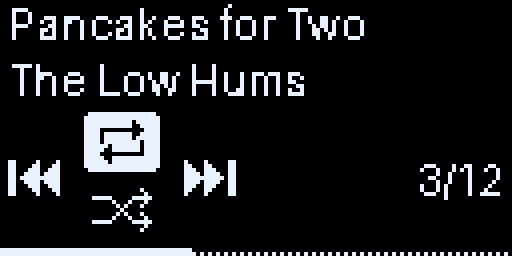
The now-playing screen, 128 × 64 pixels, enlarged.
On the box
A little screen and a joystick. That's the whole interface.
- Left / RightTap for the previous or next track. Hold to scrub through the song.
- UpRepeat: off, the whole album, or one track.
- DownShuffle on or off.
- PressToggle the display layout: now playing, track time, or album.
- Side buttonsVolume up, volume down, and the menu, where you choose a speaker, print, or pair a device.
Setup
No keyboard, no app to install.
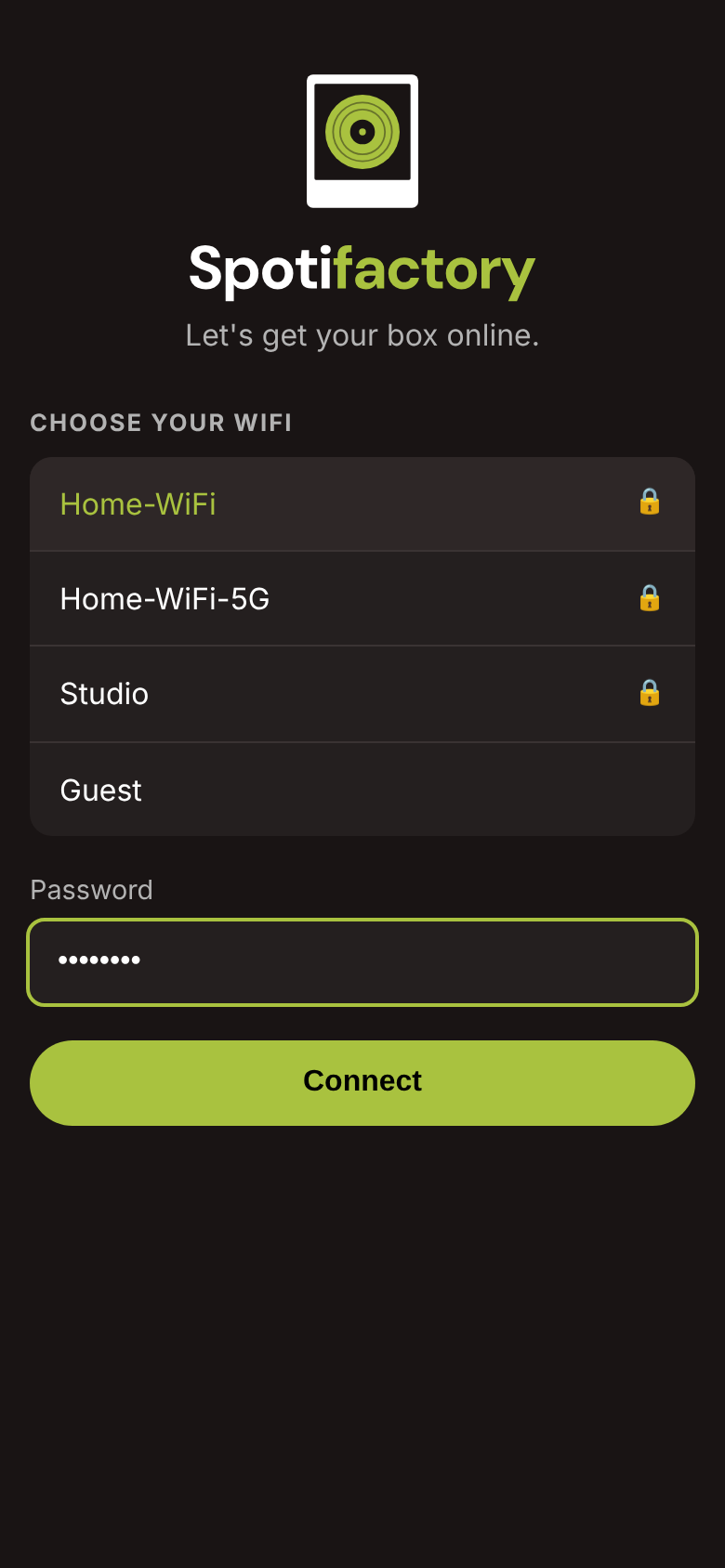
Join your Wi-Fi from your phone
On first start the box makes its own network. Connect to it and a setup page opens where you pick your Wi-Fi and type the password.
Scan to sign in to Spotify
The screen shows a QR code. Scan it, log in, and the box shows up in the Spotify app as Spotifactory.
Pick where it plays
Choose any Spotify Connect speaker from the menu, or pair a Bluetooth speaker and play from the box itself. It remembers your choice.
What's inside
Off-the-shelf parts in a 3D-printed case.
- Computer
- Raspberry Pi Zero 2 WRuns the player as a service and starts on power-up.
- Reader
- PN532 NFC readerSits behind the photo panel, under the tag.
- Screen
- 1.3" SH1106 OLED128 × 64, with a 5-way joystick and three buttons.
- Printer
- Instax Square LinkPaired over Bluetooth. Shows film and battery left.
- Sound
- Spotify ConnectAny Connect speaker, or Bluetooth from the box. Sonos pauses when you lift the photo.
- Case
- 3D printed in PLAAny colour you like, no supports needed. USB-C power at the back.
It keeps itself up to date. Each night at about 3:30, when nobody's listening, it checks for a new release, and rolls back on its own if the update doesn't start cleanly.
Build one
The code, the case and the parts list are all on GitHub.
Flash a Pi, run one setup script, print the case, and screw it together. The small parts import straight into a DigiKey cart, and the case model renders print-ready STL files.
Free for personal, noncommercial use under the PolyForm Noncommercial license.